Notion integration
Connect Notion without turning pages into employee evidence
Notion is flexible enough to hold project decisions, goals, meeting pages, and operating tables. ModoPersona connects through OAuth and first discovers only the sources shared with the integration. A manager can then confirm a narrow field mapping for a supported workflow, such as QBR cadence, before any record metadata is imported.
Private workspace for one manager. No employee accounts required.
Illustrative product example
Example confirmed QBR mapping
Customer QBRs · Notion
Shared table · Read-only metadata · Manager confirmed
- Mapped fields: Client relation, Date, Tags, Created by
- Only records tagged QBR contribute completed meeting dates
- Free-form QBR notes and page bodies remain in Notion
The job to be done
A connected workspace should not become an unbounded people-data import
A Notion workspace can mix public operating data, private documents, incomplete drafts, and fields with organization-specific meaning. Pulling all of that into a manager assistant would destroy provenance and make accidental employee inference too easy.
How ModoPersona handles it
A focused workflow, with the source still visible
Connect a deliberately shared workspace
Authorize ModoPersona through Notion OAuth and choose which pages or data sources the integration can access. Notion remains the system of record and the connection does not edit source content.
Discover names and fields first
ModoPersona lists shared tables and documents with their source links, update dates, and field names. No record metadata is imported until a manager chooses a supported workflow and confirms what each required field means.
Map only the metadata the workflow needs
For QBR cadence, the manager confirms the record title, client relation, meeting date, identifying tag, and optional owner. ModoPersona does not fetch the free-form page body or reinterpret unrelated workspace content.
See the workspace
Context stays useful because you can inspect it
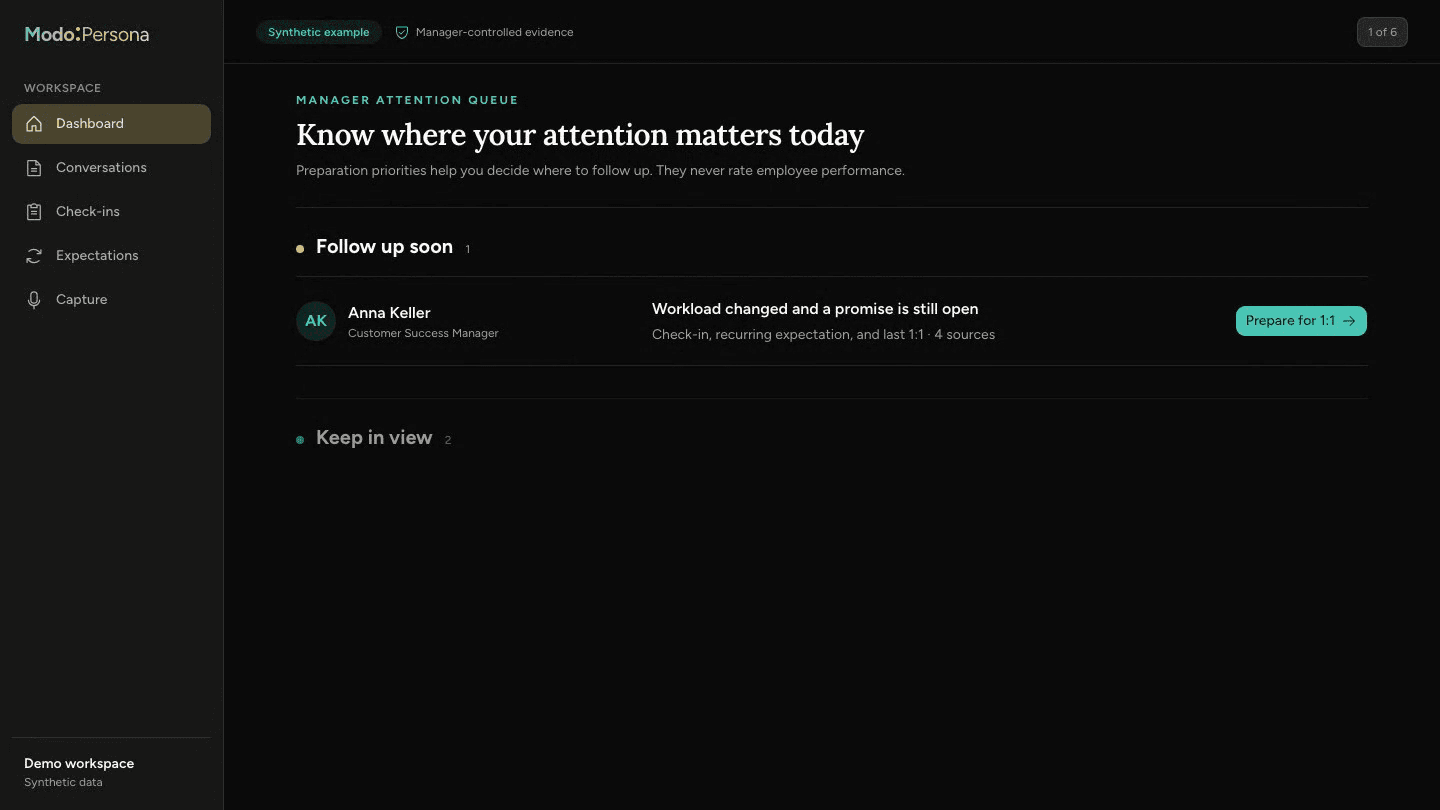
The walkthrough uses synthetic data to show preparation, person-specific context, evidence, and manager commitments in one workspace.
Schema first, confirmed metadata only
By default, ModoPersona reads source names and fields only. Record metadata is queried only after a manager confirms a supported mapping. The QBR workflow does not read page bodies, write back to Notion, create employee facts, or turn source activity into employee scores. Disconnecting revokes access and deletes the cached source data without changing Notion.
Questions managers ask
- Can I connect my Notion workspace to ModoPersona?
- Yes, when the Notion provider is configured for your ModoPersona environment. OAuth limits discovery to sources shared with the integration.
- Does ModoPersona read every row or page body?
- No. Discovery reads source structure first. A confirmed QBR mapping reads only selected record properties needed for that workflow; it does not read the free-form page body or unrelated workspace content.
Continue exploring ModoPersona
- Use casesManager notes that return when they are usefulKeep private, person-specific manager notes with dates and context, then retrieve them when preparing for a one-on-one.
- Use casesBring a useful question to your next one-on-onePrepare one-on-ones from past agreements, recent notes, and your own promises. A worked example and a ten-minute preparation guide.
- IntegrationsPrepare for the right one-on-one at the right timeConnect Google Calendar so ModoPersona can match upcoming one-on-ones to direct reports and prepare relevant context.
Prepare for one better conversation
Start with one direct report, bring in the context you trust, and see what returns before the next one-on-one.
Start a 14-day trial