Google Meet transcript integration
Bring the conversation back without adding another meeting recorder
A transcript can preserve what was said, but it should not silently become a judgment about a person. ModoPersona connects to Google Meet separately from Calendar, lets the manager choose recurring one-on-ones, and retrieves transcripts Google has already generated. The manager reviews the resulting context before anything becomes part of the person's preparation history.
Private workspace for one manager. No employee accounts required.
Illustrative product example
Example transcript review
Weekly 1:1 with Priya · transcript available
Google Meet · selected recurring series · awaiting review
- Google-generated transcript retrieved after the meeting
- Two speaker-attributed follow-ups ready for manager review
- One ambiguous passage excluded until its speaker can be confirmed
The job to be done
A transcript is a source to review, not a finished management record
Raw meeting text includes false starts, transcription errors, ambiguous speakers, and comments that may not matter after the call. Copying it directly into a profile would create noise and false certainty. ModoPersona keeps the source attributable, requires safe speaker mapping, and gives the manager a confirmation step before retaining useful context.
How ModoPersona handles it
A focused workflow, with the source still visible
Connect Google Meet separately
Authorize the additional read-only Google Meet permission after connecting your Google account. ModoPersona reads Google-generated transcript artifacts; it does not join, record, or transcribe the meeting itself.
Choose recurring one-on-ones
Discover eligible recurring meetings and explicitly opt in only the series you want ModoPersona to process. An unrelated Meet call is not imported merely because it appears on your calendar.
Review before context is retained
After a selected meeting, ModoPersona retrieves the available transcript, maps speakers conservatively, and prepares candidate context. The manager checks what is accurate and useful before confirming it for future preparation.
See the workspace
Context stays useful because you can inspect it
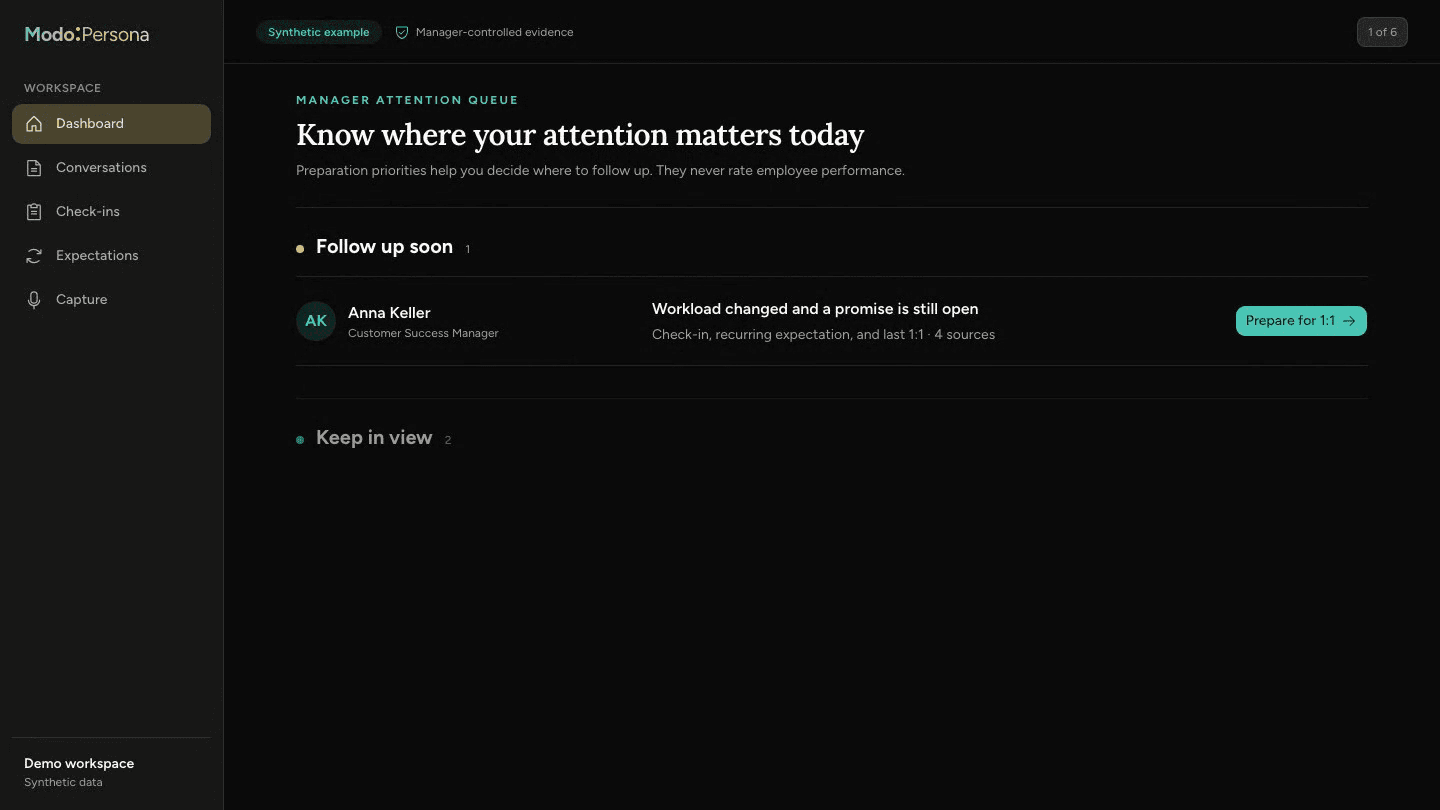
The walkthrough uses synthetic data to show preparation, person-specific context, evidence, and manager commitments in one workspace.
No bot, no recording, and no automatic employee judgment
ModoPersona does not enter the meeting, create a recording, score participants, infer performance, or turn every sentence into an employee fact. It processes only selected Google-generated transcripts, fails closed when speaker identity is unsafe, and keeps manager confirmation between transcript text and durable person context.
Questions managers ask
- Does ModoPersona record my Google Meet calls?
- No. It retrieves transcript artifacts that Google has already generated for meetings you explicitly selected. ModoPersona does not join calls or create audio or video recordings.
- Is every transcript statement saved to the person's profile?
- No. Transcript-derived context is prepared for manager review, and unsafe speaker mappings fail closed. The manager decides what is accurate and useful enough to confirm.
Continue exploring ModoPersona
- IntegrationsPrepare for the right one-on-one at the right timeConnect Google Calendar so ModoPersona can match upcoming one-on-ones to direct reports and prepare relevant context.
- Use casesBring a useful question to your next one-on-onePrepare one-on-ones from past agreements, recent notes, and your own promises. A worked example and a ten-minute preparation guide.
- Use casesManager notes that return when they are usefulKeep private, person-specific manager notes with dates and context, then retrieve them when preparing for a one-on-one.
Prepare for one better conversation
Start with one direct report, bring in the context you trust, and see what returns before the next one-on-one.
Start a 14-day trial